Bancontact
Founded in 1989, and now a brand from the Bancontact Payconiq Company, Bancontact makes it possible to pay directly through the online payment systems of all major Belgian banks for customers with Bancontact payment cards. Bancontact is the Belgian market leader in electronic payment services, with 24 banks issuing Bancontact cards including: Argenta, Attijariwafa Bank, AXA, BNP Paribas Fortis, Banque van Breda, Belfius Bank, Beobank, bpost Bank, CBC, Chaabi Bank, CPH, Crelan, Deutsche Bank, europabank, ING, KBC, Keytrade Bank, Nagelmackers and vdk Bank. At checkout, the consumer enters their card details or scans the QR code, then authorises payment.
Why Bancontact

In Belgium, Bancontact accounts for over 94% of all debit cards in circulation (Cards International).

The strongest payment brand in Belgium, Bancontact surpassed other established payment brands in terms of image and familiarity (iVox).

Bancontact reported in February 2023 that over a ten-year period, payments with Bancontact and Payconiq have increased from 1 billion to 2.3 billion.
Specifications
Coverage
Currencies
Features
Payment flow
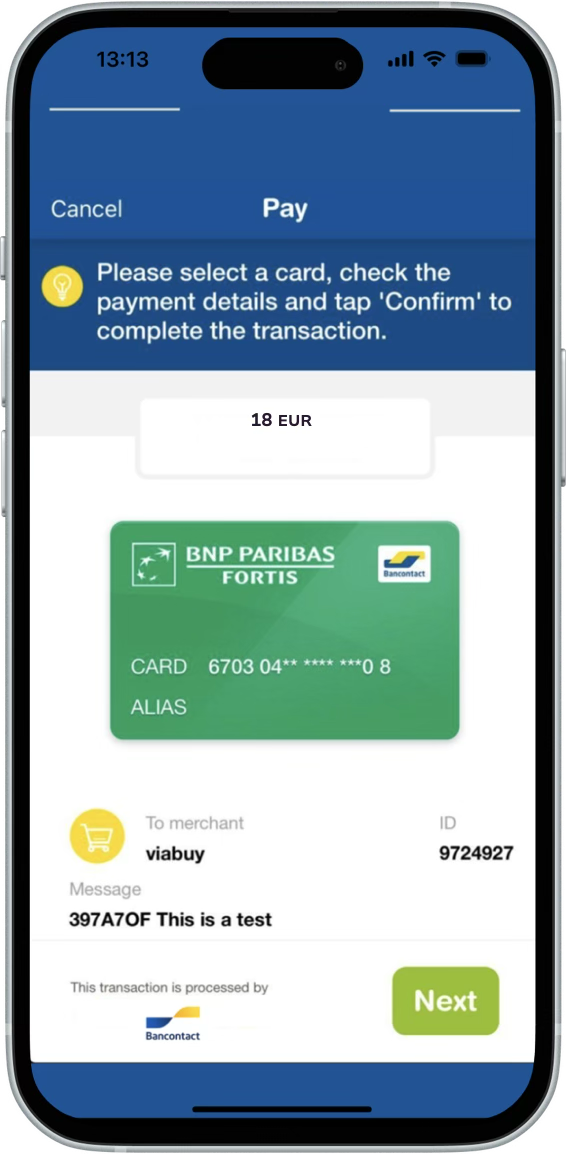
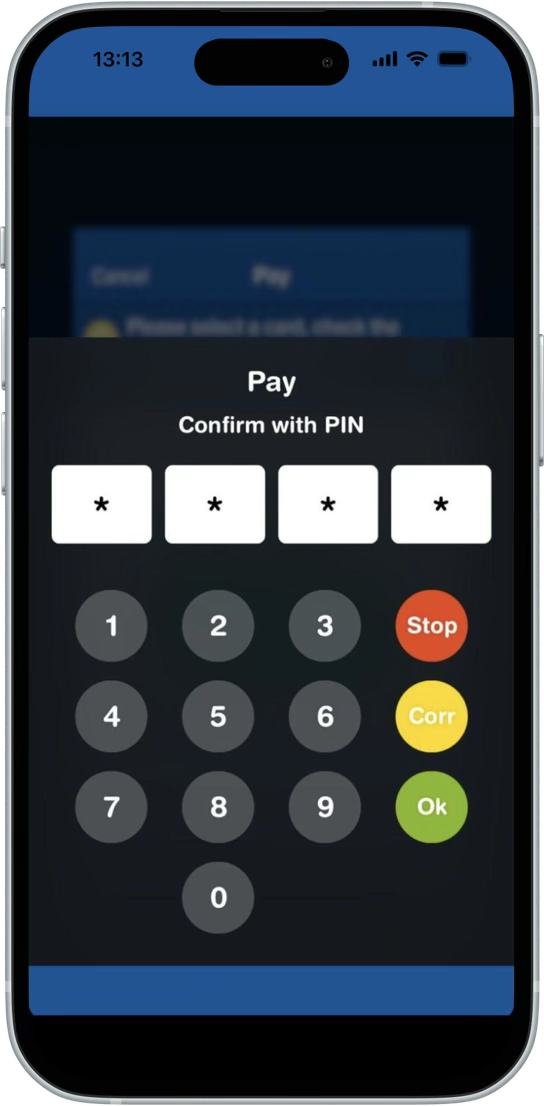
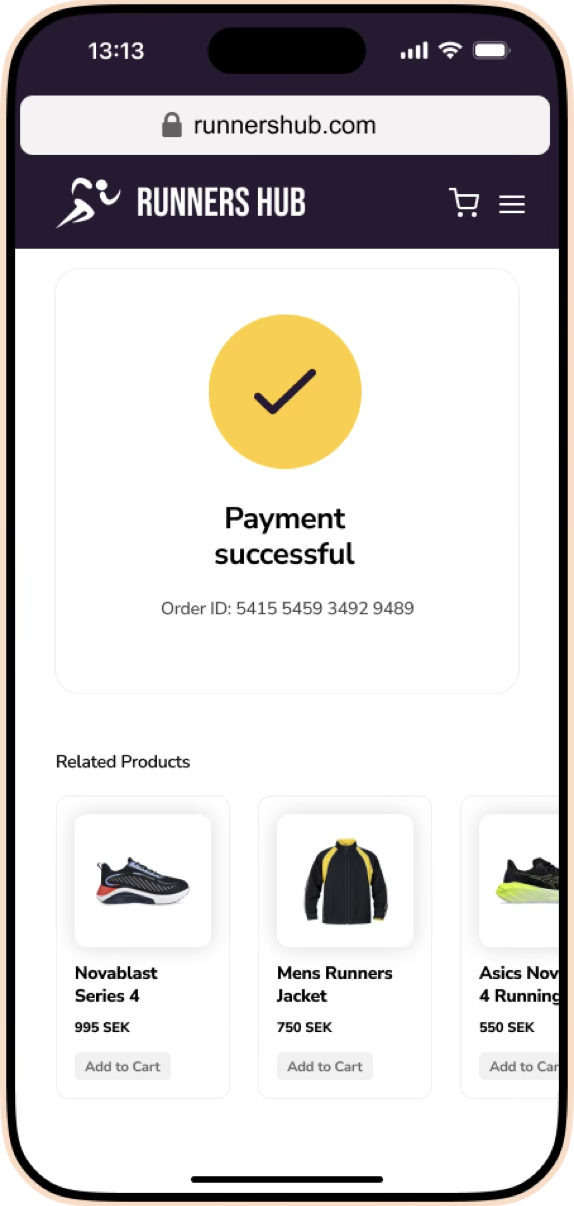
Why Bancontact WIP

In Belgium, Bancontact accounts for over 94% of all debit cards in circulation (Cards International).
The strongest payment brand in Belgium, Bancontact surpassed other established payment brands in terms of image and familiarity (iVox).
Bancontact reported in February 2023 that over a ten-year period, payments with Bancontact and Payconiq have increased from 1 billion to 2.3 billion.
Specifications
Coverage
Currencies
Features
How it works
 Payment method
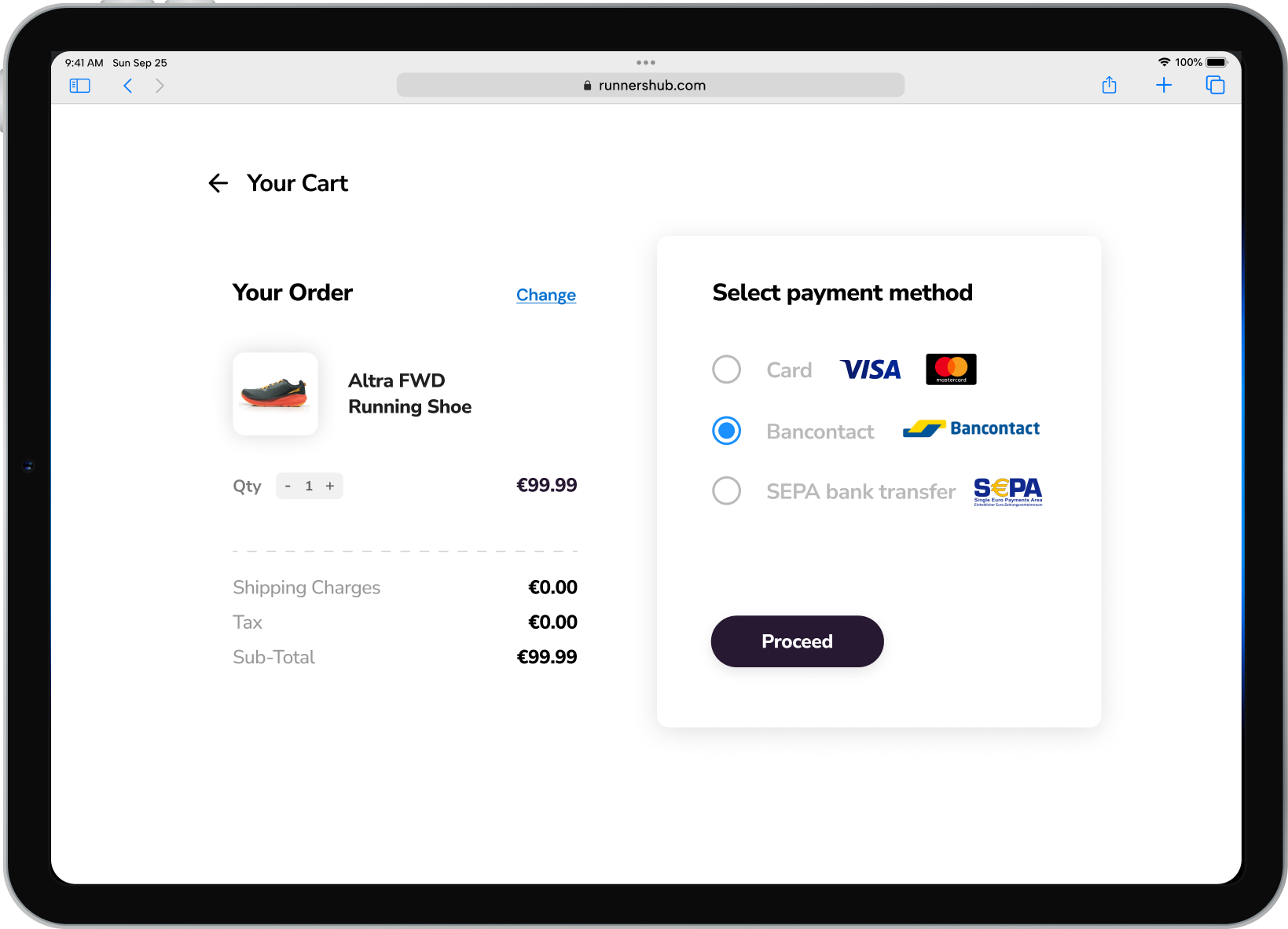
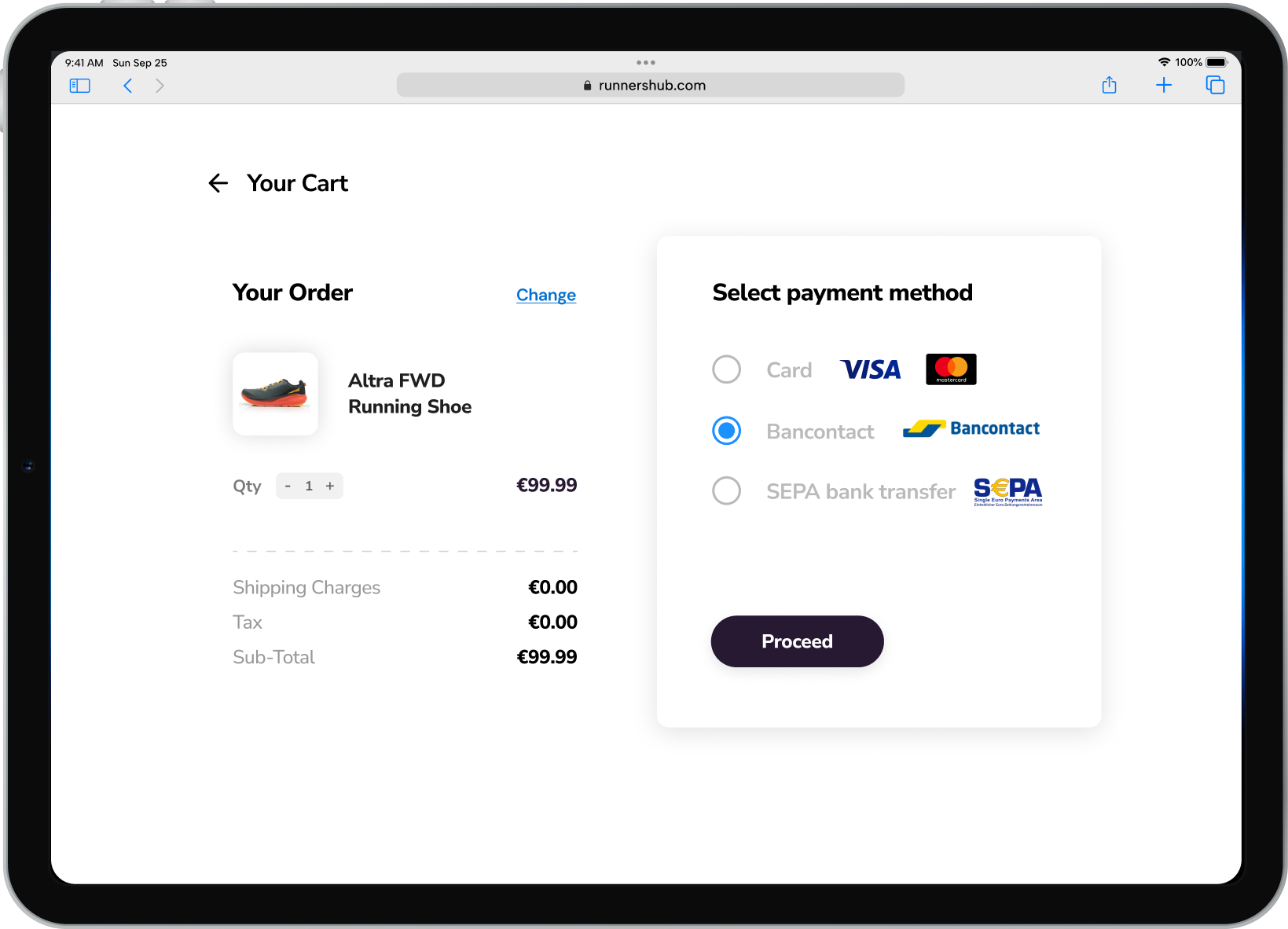
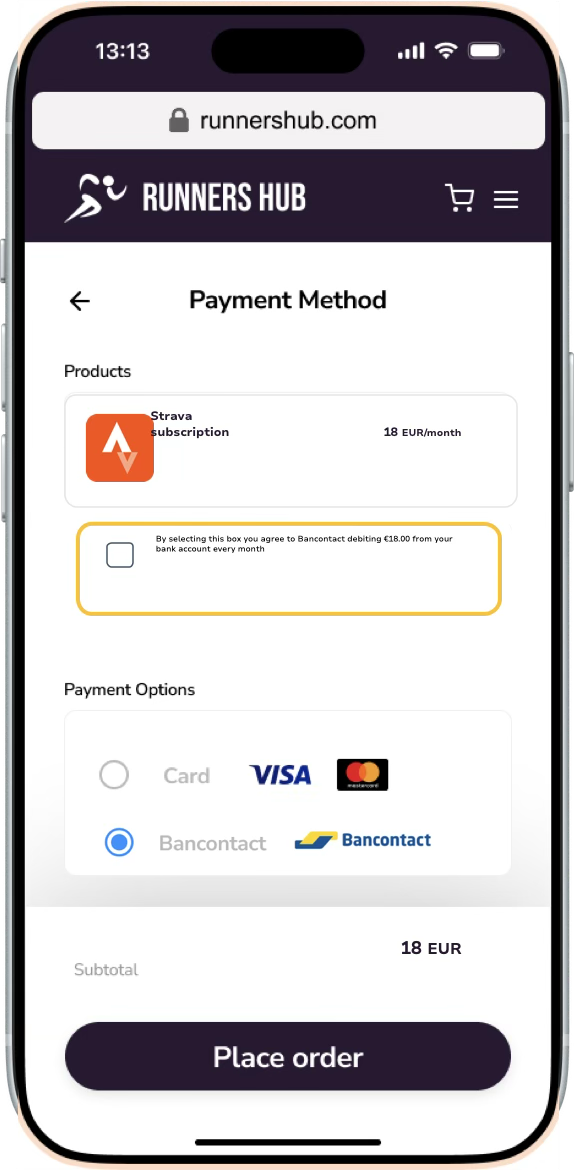
At online checkout, the consumer chooses Bancontact as the preferred payment method
 Payment method
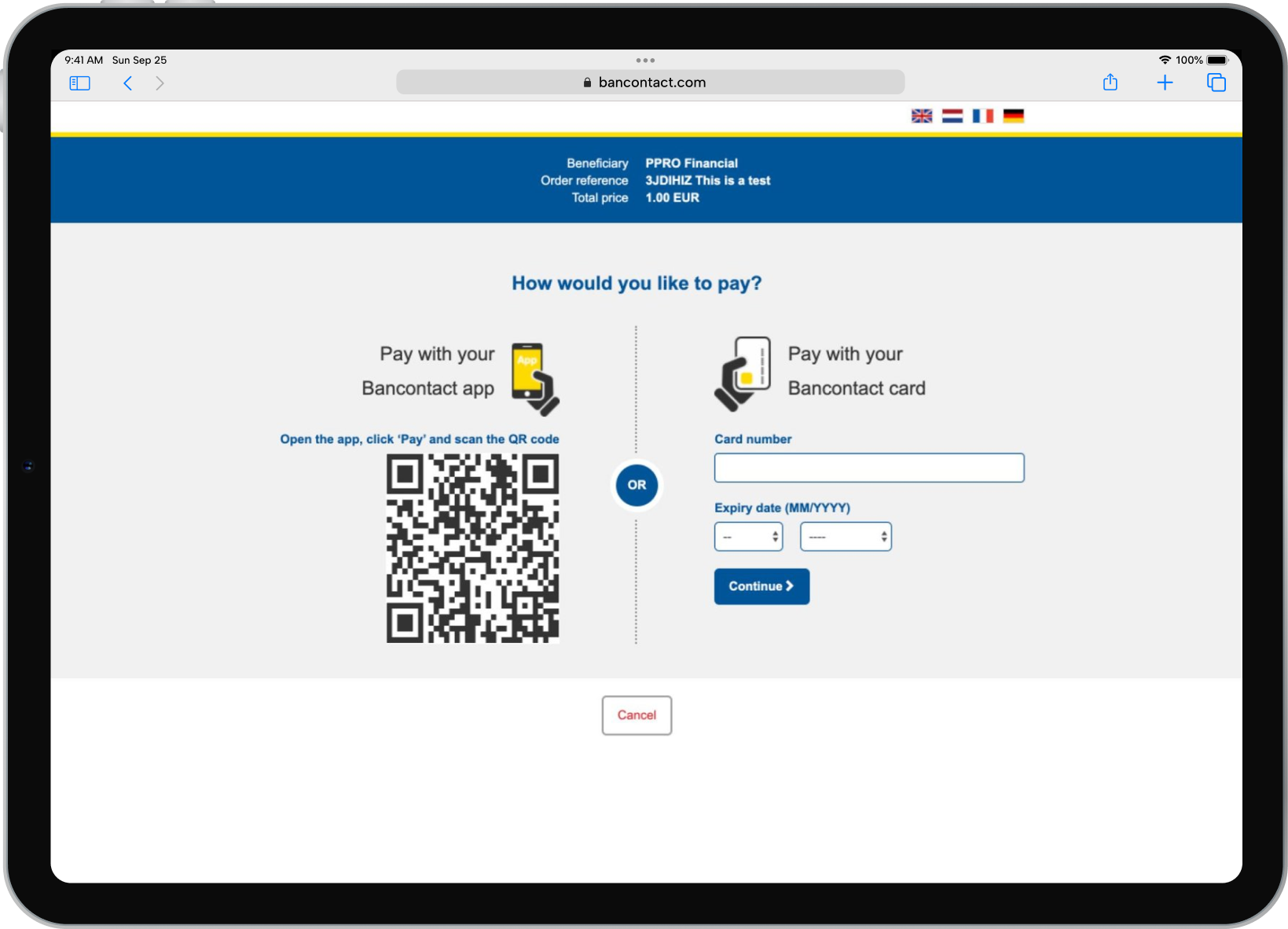
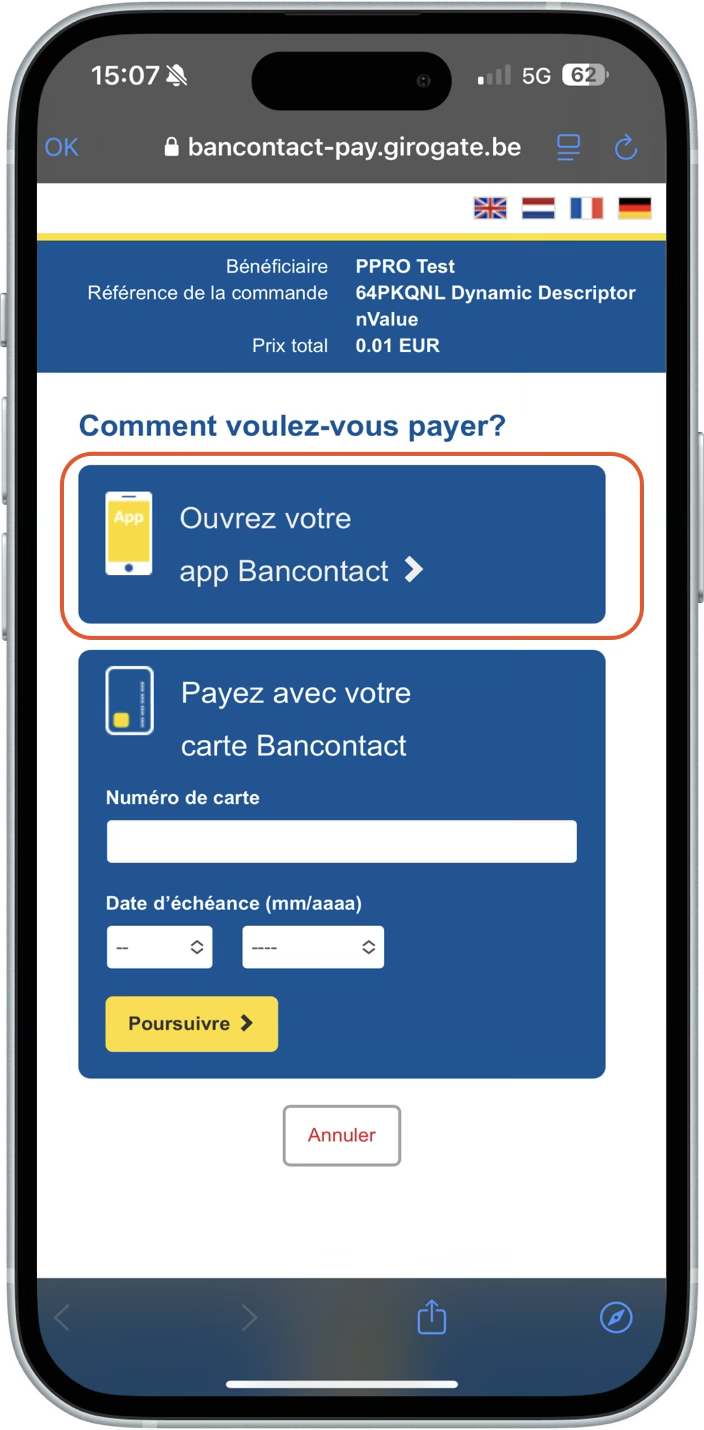
The consumer chooses to pay by QRC using the Bancontact app, or by entering their Bancontact account card number
 Payment method
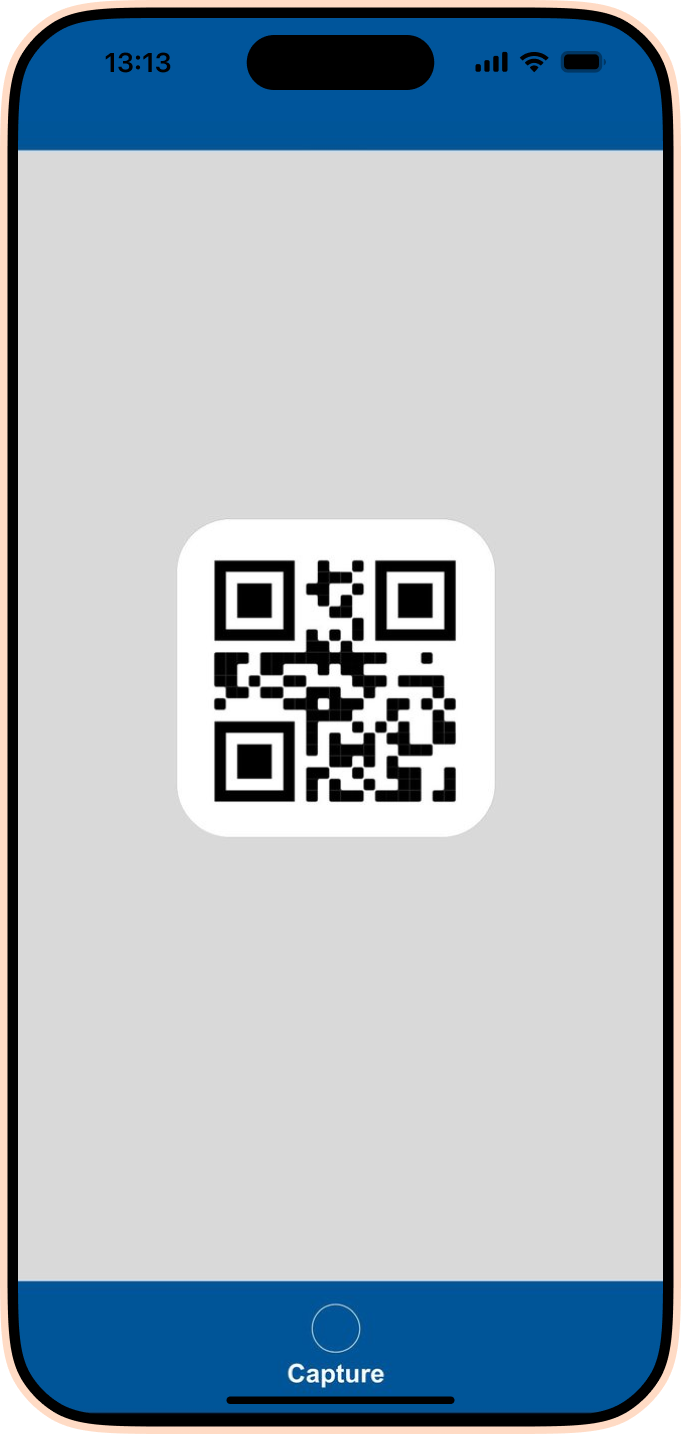
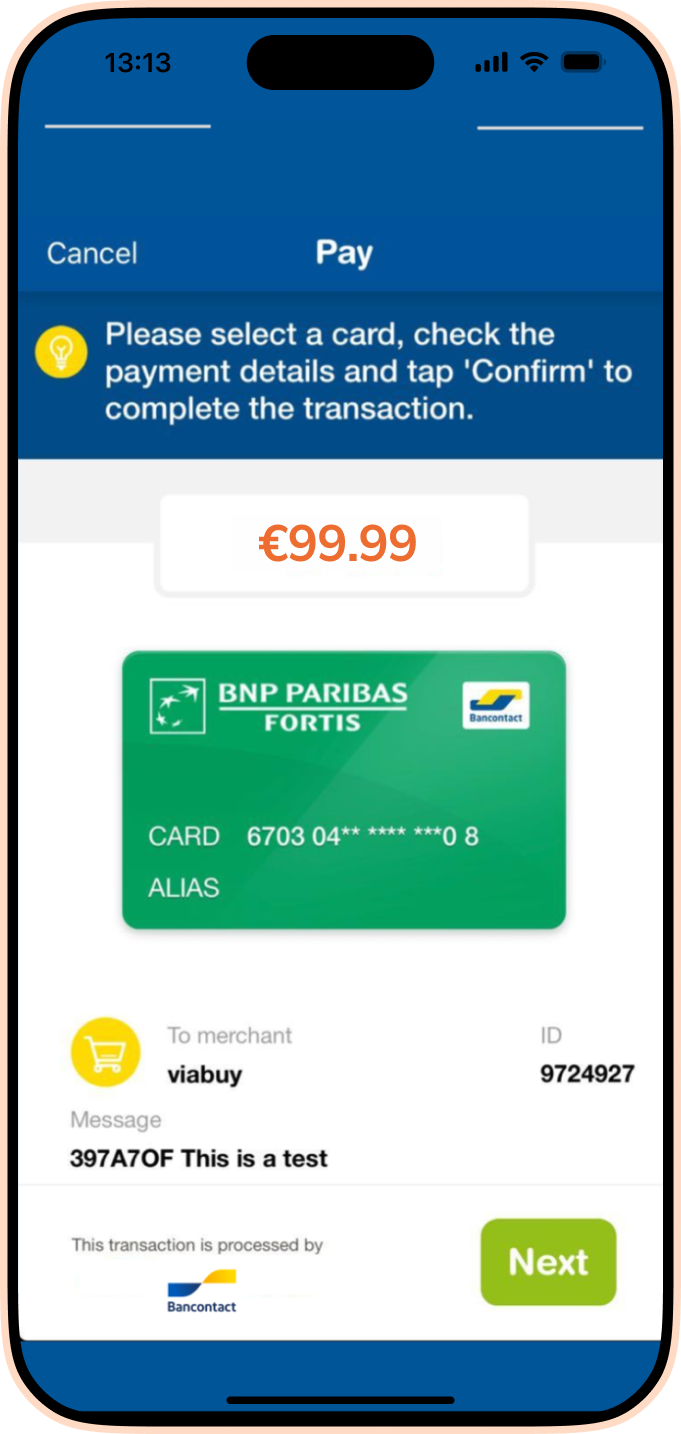
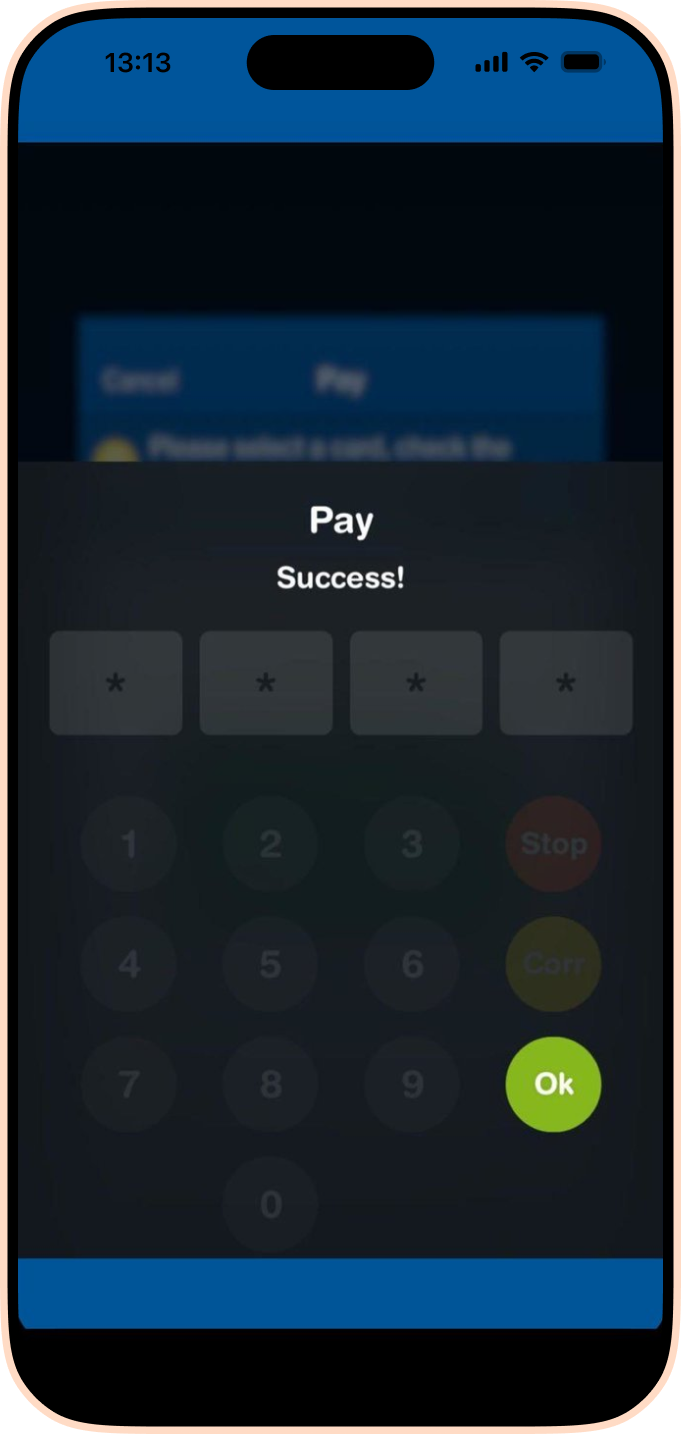
When the consumer scans a QRC, then payment is confirmed in the Bancontact app
 Online bank
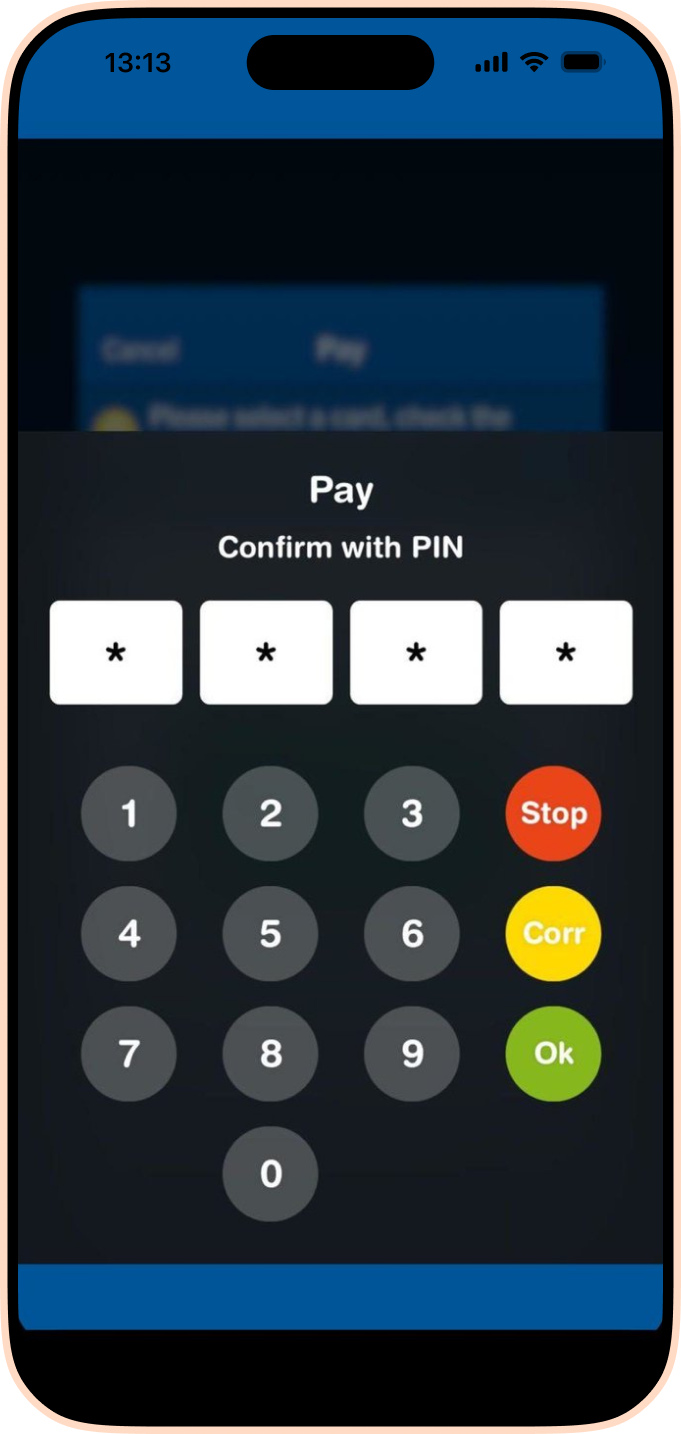
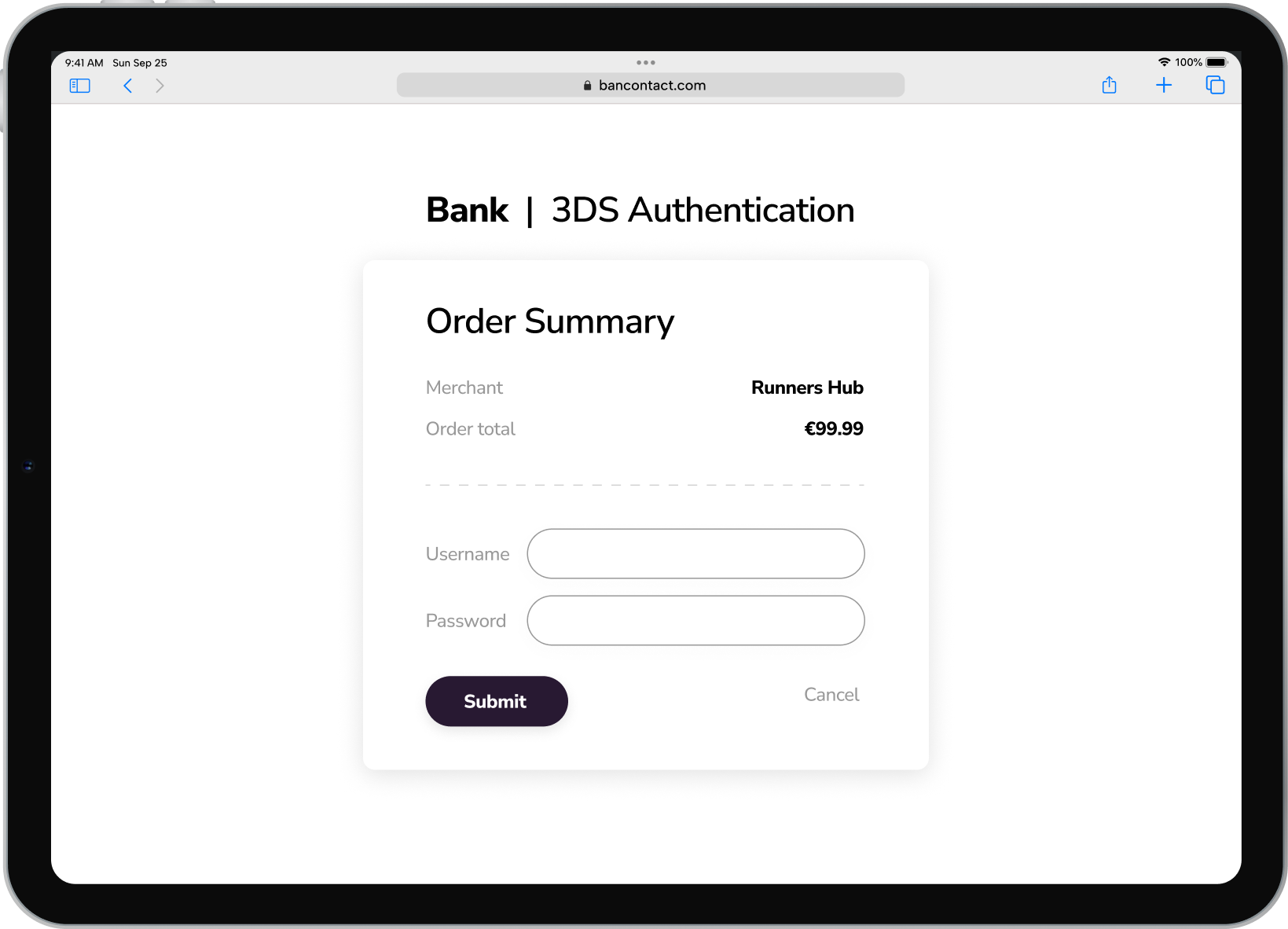
When the consumer enters the account number, they are redirected to their issuing bank for 3DS authentication
 Merchant
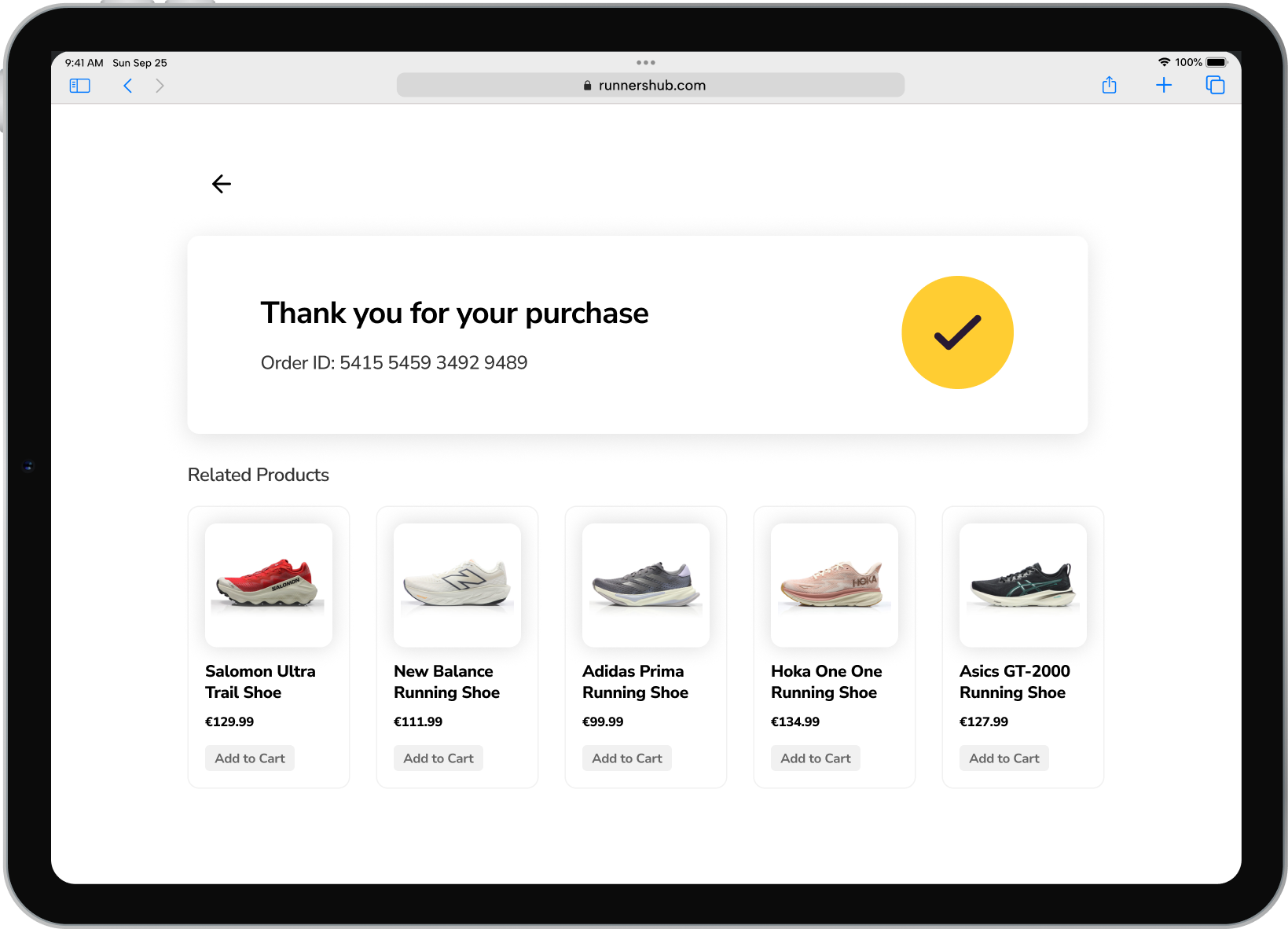
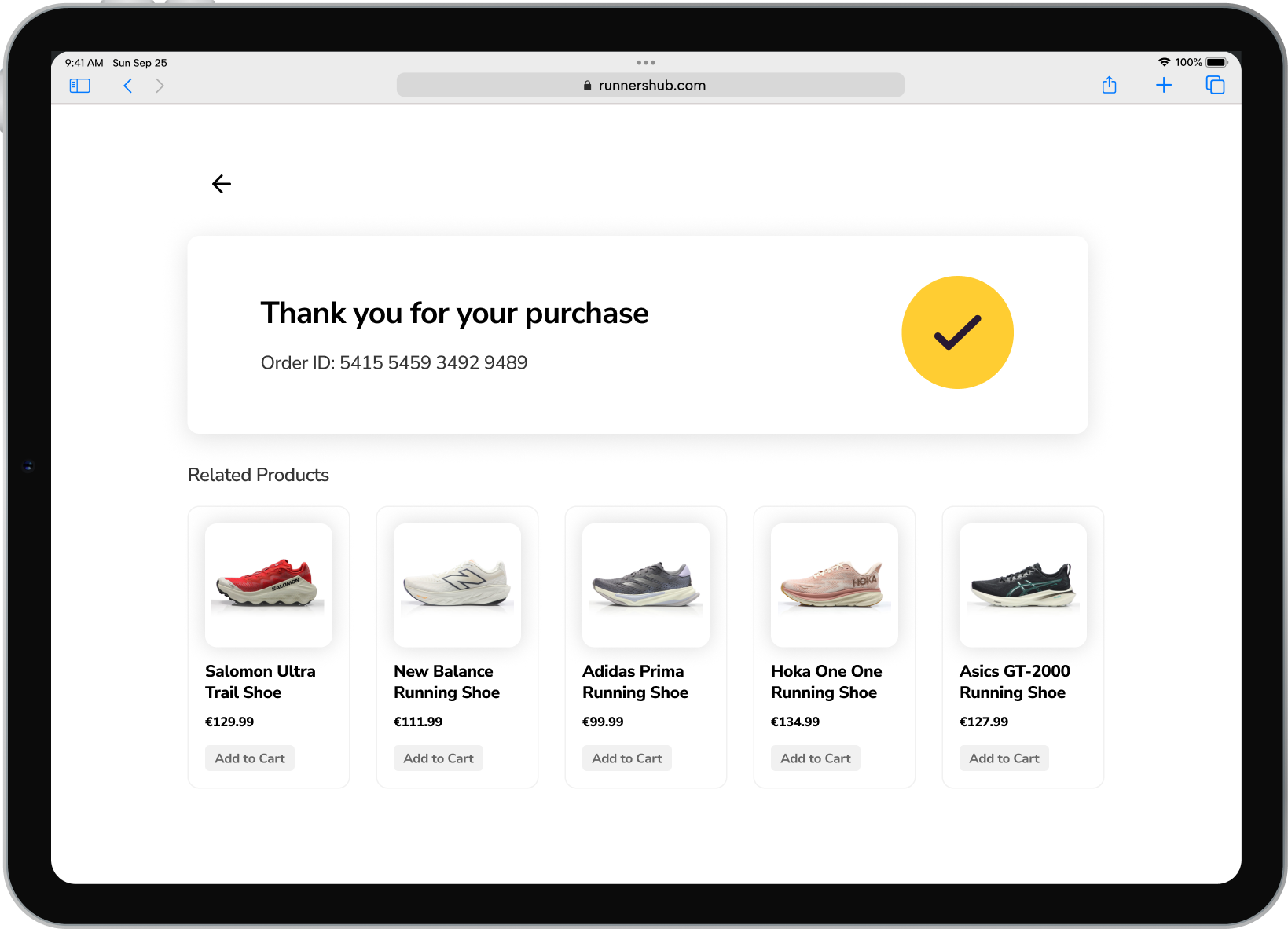
The merchant receives confirmation of payment